Windows
Choose the portable Windows zip. Extract it to a folder you control, then run PDF Editor.exe.
File: PDFEditor-4.0-win32-x64.zip
 Que’s Corner
PDF Editor 4.0 · Windows & Linux
Bring pages together, mark up a draft, sign a document, or make a scan searchable. Everyday document work, all on your computer.
One-time purchase · Windows zip or Debian/Ubuntu .deb
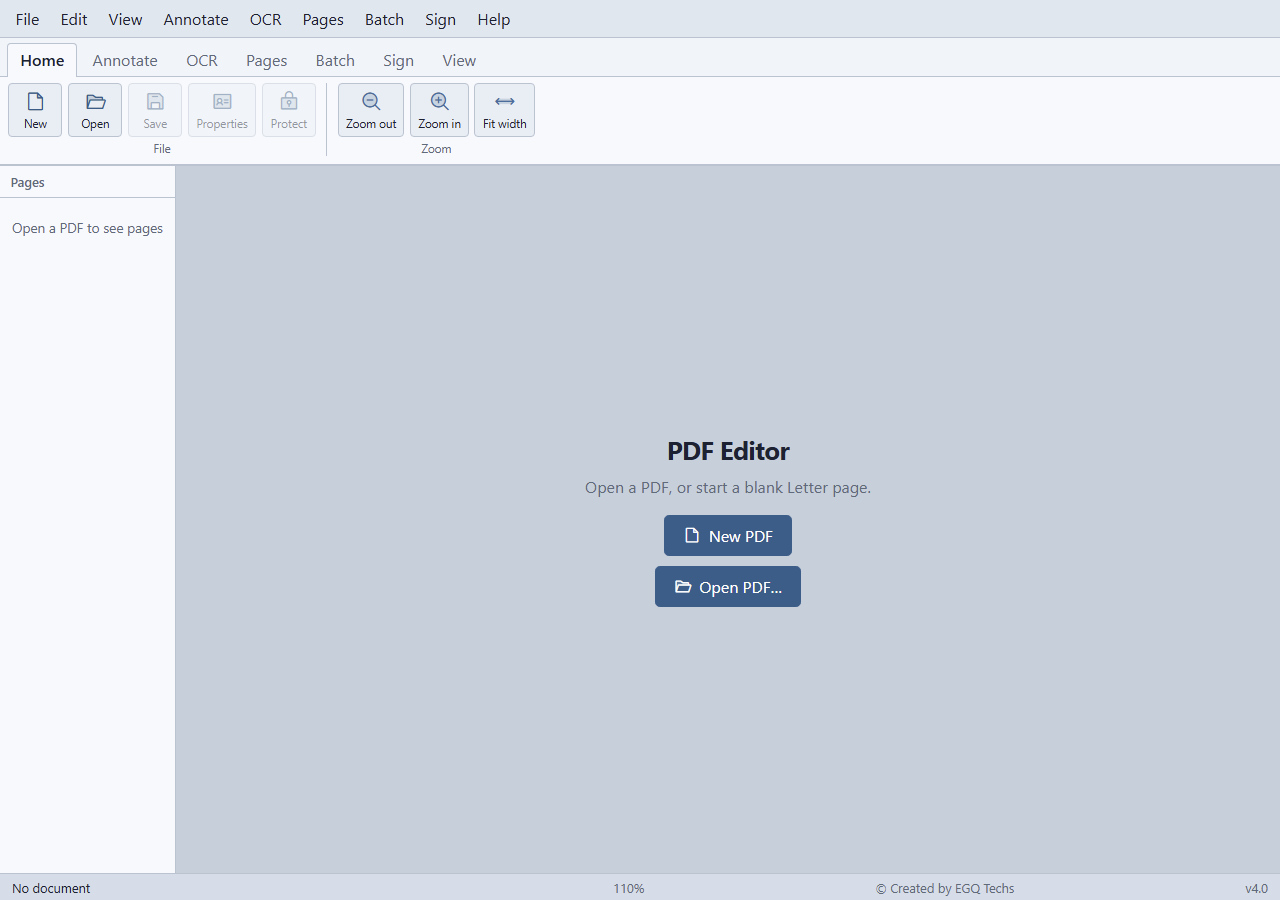
Inside the actual app
Select a screen to explore. Enlarge it for a closer look.
Included in 4.0
Read the full FAQ for both apps → · Need named certificates from a spreadsheet? See PDF Mailroom →
Yes. The free browser tools let you join, merge selected pages, split, rotate, and draw arrows. OCR, batch processing, New PDF, full annotation, and signing are desktop features.
No. Draw, type, or import a signature and place it in your PDF locally. This is not a cloud e-signature workflow.
The supplied release is a Windows zip and a Debian/Ubuntu amd64 .deb package. On Windows, extract the zip and run PDF Editor.exe. Choose the matching package at purchase.
The tools described here focus on annotation, page organization, OCR, and signing. Form filling and rewriting existing paragraphs are not part of this offer.
Your everyday PDF toolkit
$35 CAD · pay once
Windows zip or Linux .deb. Your files stay on your computer.
Review the package and order details at checkout.
Need help choosing? Contact ErichChoose the file for your computer
Choose the portable Windows zip. Extract it to a folder you control, then run PDF Editor.exe.
File: PDFEditor-4.0-win32-x64.zip
Choose the Debian/Ubuntu amd64 .deb package and install it with your system’s package manager.
File: pdf-editor_4.0.0_amd64.deb
Choose the Windows or Linux listing before checkout. Payhip provides the download for your selected version after purchase. View purchase options · Verify a downloaded file
Verify your download
Compare your downloaded file with the matching filename and SHA-256 below. These are checksum references, not installer downloads. Available purchase files are shown at checkout.
B3E4B5EEB03D0A375CACFAB2D6C0788C391B357356761585FF2437A6690A2E38FCAF144D9B44E3A0C80A9E0947FD717C7E0DE511F71A92B4481073366C7A9651DDB3BD9E17BF582D7A1A9F2DFB5D92306C2EDD2F344989DA27BF874200897EF8On Windows, open PowerShell and run Get-FileHash -Algorithm SHA256 -LiteralPath "path-to-download". On Linux, run sha256sum "path-to-download". Compare the entire result; uppercase and lowercase mean the same thing. If it does not match, download again or contact us before opening the file.