For schools & community organizations
Less PDF busywork.
More time for people.
Prepare the documents you need. Create certificates people will keep. Two focused desktop tools, with your files staying on your computer.
Windows & Linux · Pay once · No app account
YOUR NEXT EVENT, SORTED
Keep documents on your computerWork with files you already haveNo recurring subscription
Two tools. Two everyday jobs.
What’s on your to-do list?
Choose the tool that fits the work.
See the results before you decide.
01 / Prepare your documents
PDF Editor 4.0
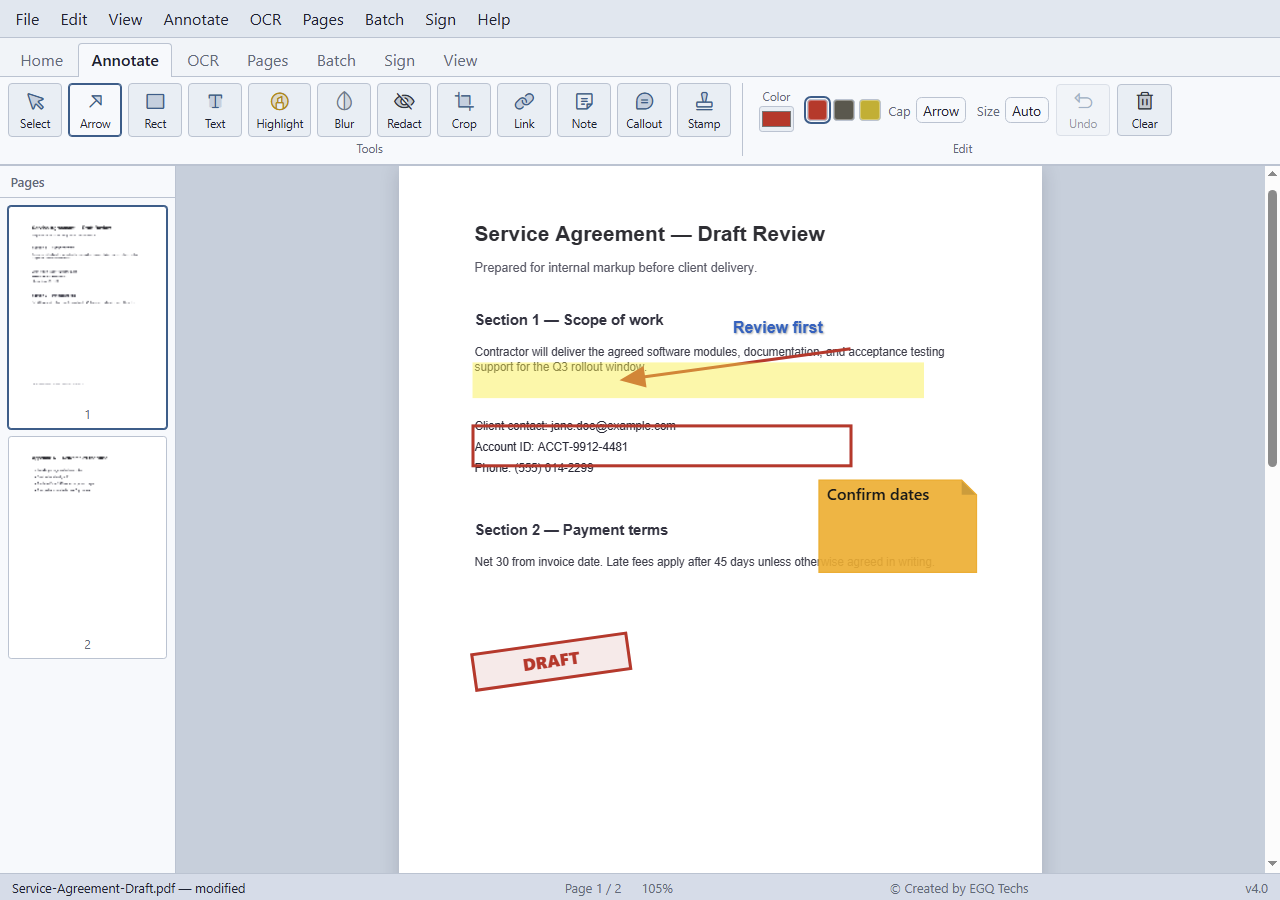
Make the school pack, meeting handout, or scanned document ready to share.
- Join, split, reorder, and rotate pages
- Add notes, markup, and signatures
- Make scans searchable with OCR
02 / Recognize your people
PDF Mailroom
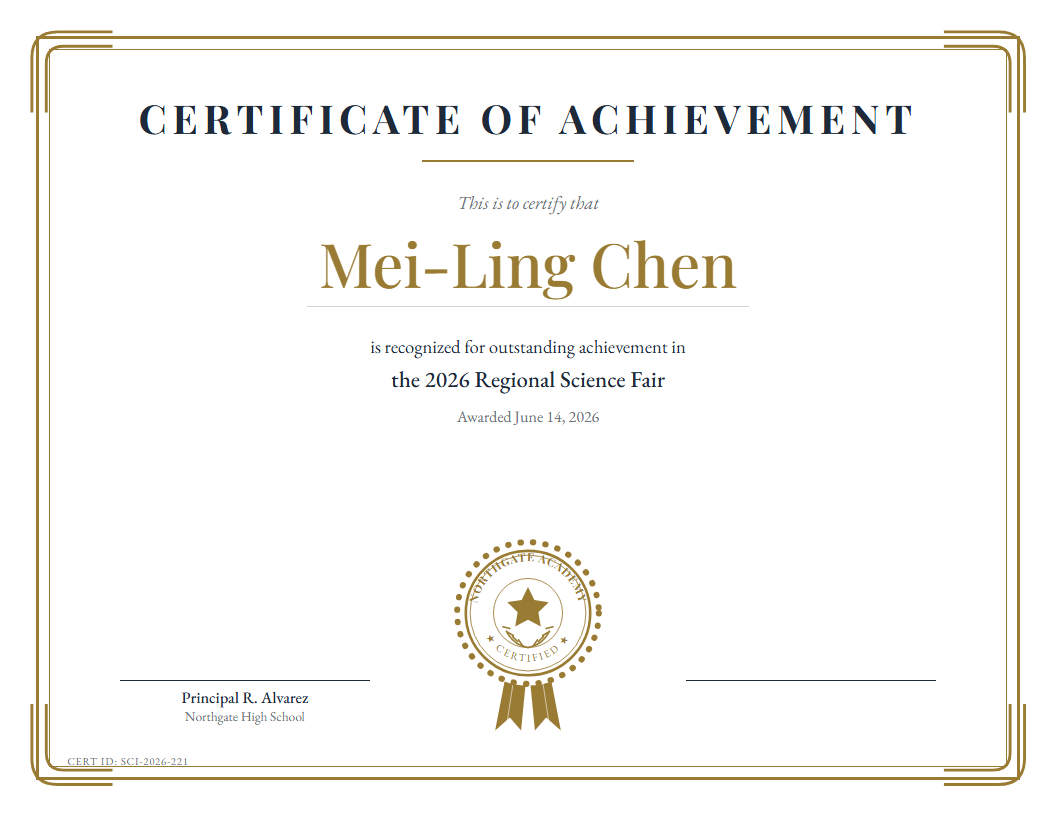
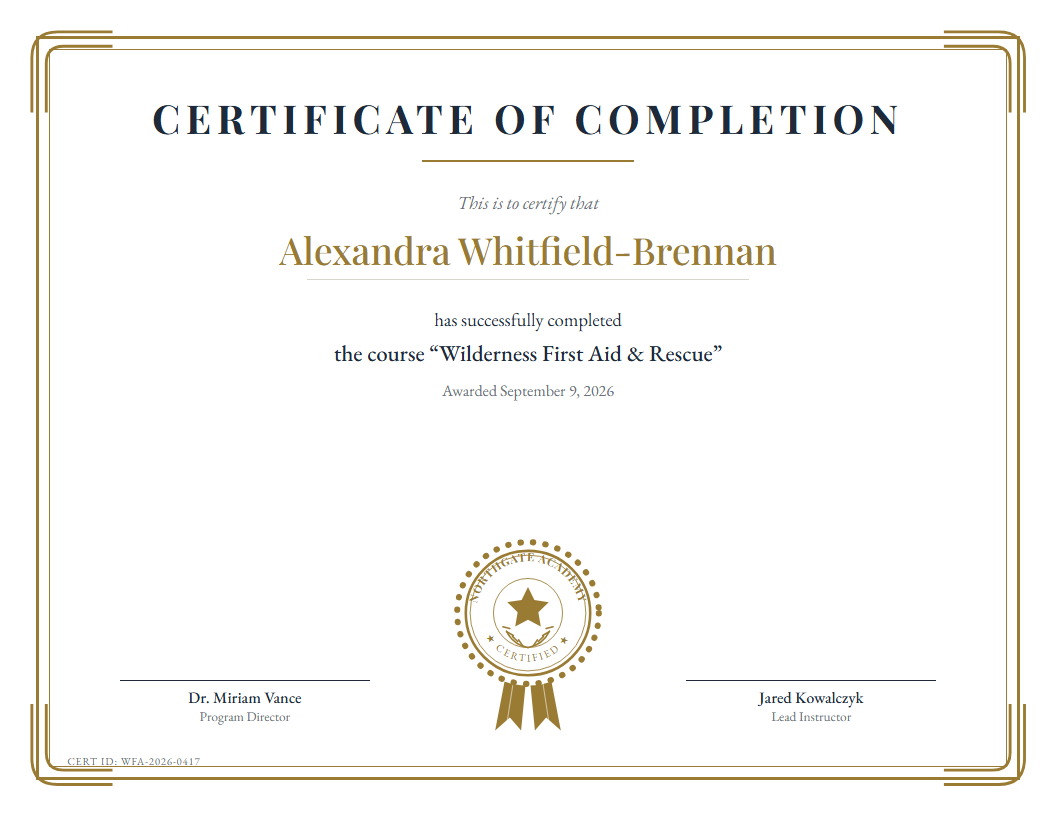
Turn your class list or volunteer roster into a named PDF for every person.
- Start with your certificate design
- Bring names from Excel or CSV
- Preview, then generate individual PDFs
Made for the work behind the event
From the first handout to the final thank-you.
01School offices
Combine pages into a parent information pack. Mark up a draft. Make scanned documents searchable.
02Clubs & programs
Use a class roster to produce completion and achievement certificates without retyping every name.
03Community groups
Create personal recognition for volunteers, donors, and families using a design that belongs to your organization.
Your files stay yours
A simpler way to get the paperwork done.
These are desktop apps for Windows and Linux. Open your documents, do the work, and save the results on drives you control.
No Que’s Corner account is required to use the apps. Buy once and keep working without a recurring subscription.
Meet Que’s Corner →Testimonials · illustrative examples
Everyday work. A little easier.
These example quotes show the intended layout.
They are not feedback from actual customers.
PDF Editor · sample quote“Having the pages, notes, and signature tools together would make everyday document preparation much simpler.”
Illustrative school-office scenario
PDF Mailroom · sample quote“Using our own certificate design and a spreadsheet of names would make preparing recognition for our volunteers easier.”
Illustrative community-group scenario
Two tools, one purchase
Get both for $50 CAD.
PDF Editor 4.0 + PDF Mailroom 1.0 for Windows and Linux.
Save $10 compared with buying separately. One-time purchase.
 Que’s Corner